Widget
Design your own widgets for iPhone and iPad. Start from a template, then change the colors, fonts, sizes and layout until it looks the way you want.
WIDGETS FOR EVERY PLACE
- Home Screen: small, medium and large.
- Lock Screen: the line above the clock, and the round and rectangular slots below it.
- Control Center: an icon you choose, or a calendar that shows today’s date.
TEMPLATES FOR EVERYDAY LIFE
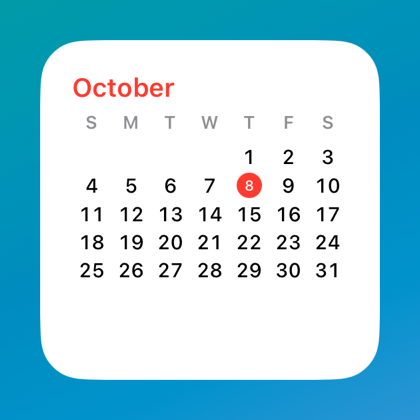
- Dates and calendars, from a single date to a month you can page through on the Home Screen.
- Events and holidays from the calendars you choose, with a dot under each day that has something on.
- Clocks: analog, digital, and the time in another city.
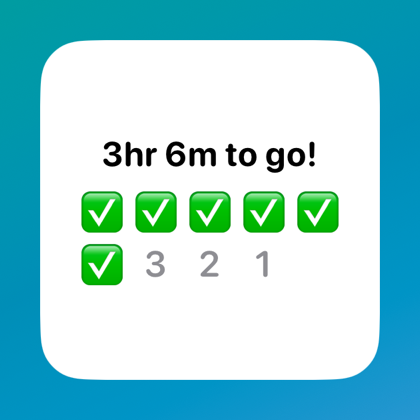
- Countdowns: days until a date, time left at work, and time until lunch.
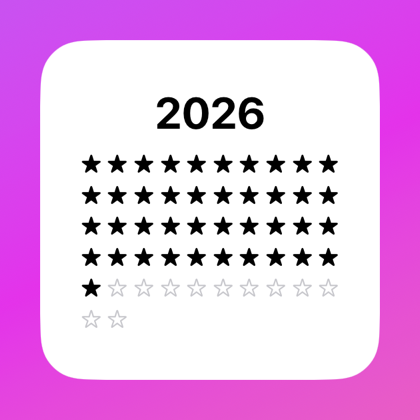
- Progress: how much of the year or the week has passed, as stars or a percent.
- Text and emoji, including phrases that change through the day.
MAKE IT YOURS
- Tap any part of a widget to change its color, font, size, alignment and opacity, or to hide it.
- Drag the parts into the order you want.
- Pick a color theme and a style, or build your own.
- Use a photo as the background, then drag, pinch and rotate it into place.
- Pick a color straight from a photo.
IN YOUR LANGUAGE
The app is available in 15 languages, and each widget can show its dates and words in a language of its own.
PRIVATE BY DESIGN
No account, no ads and no tracking. Your widgets, your photos and your calendar events stay on your device and are never sent to us. The app only goes online for the App Store, when you choose to buy Pro.
FREE AND PRO
The free version lets you keep one widget, with every template and every setting. Pro is an optional one-time purchase that lets you keep as many widgets as you like.
Send feedback
Or write to hello@widget-add-to-home-screen.com